
A Founder's Guide to No Code Website Design in 2026

Building a world-class website is no longer a luxury reserved for those with a massive budget or a team of developers. With no-code website design, founders and marketers can now take the reins, launching stunning, high-performance sites in a fraction of the time.
This isn't just about saving money—it's about gaining control, speed, and a serious competitive advantage.
The Shift to No-Code Web Design
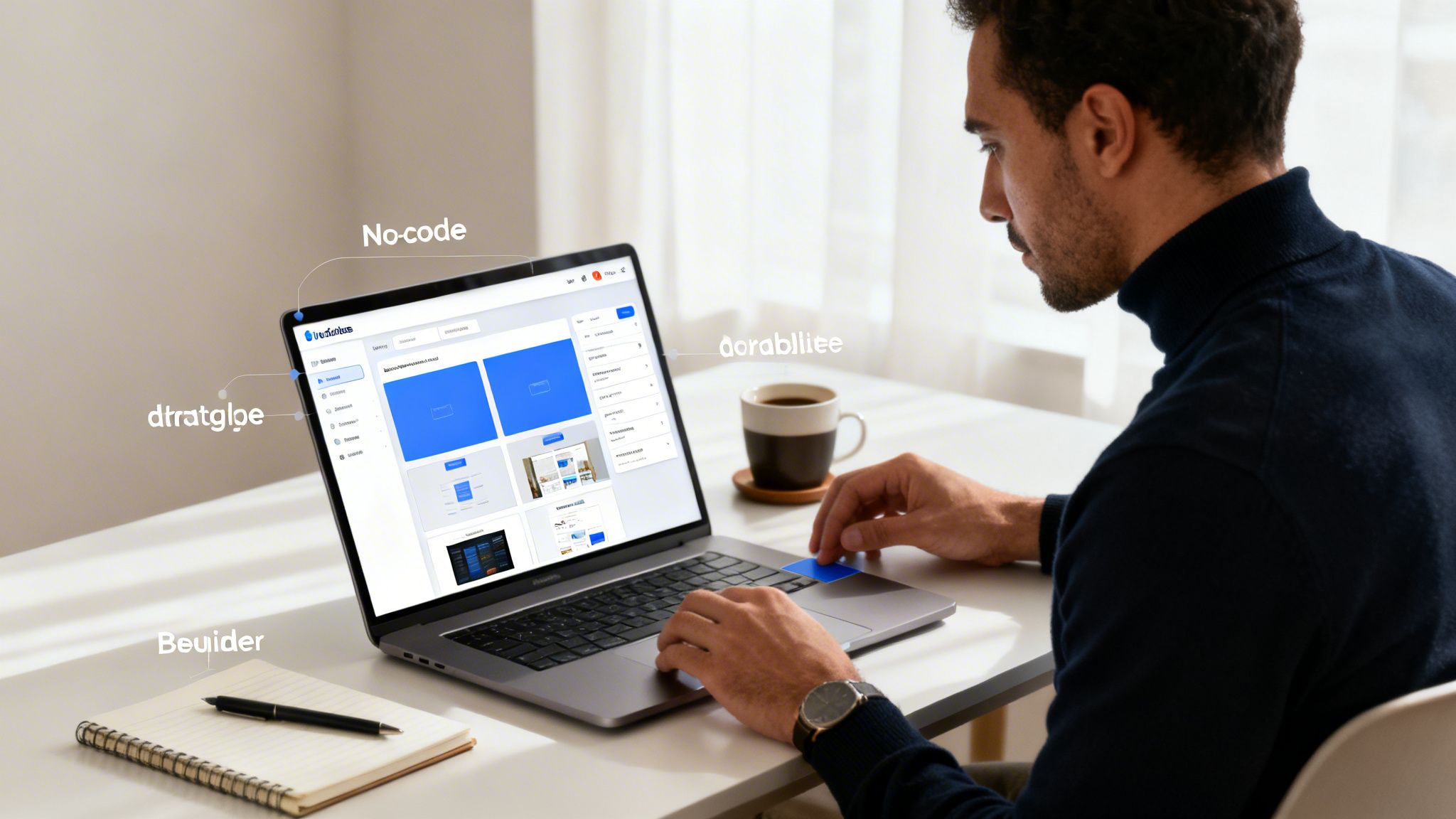
The old way of building websites—briefing an agency, waiting on developers, and going back and forth for every minor tweak—is quickly becoming obsolete. Powerful platforms like Framer and Webflow have completely changed the game, putting founders and their teams directly in the driver's seat.
This isn’t just about dragging and dropping a few boxes onto a page. It's about building sophisticated, professional-grade websites without ever having to write a line of code.
This movement is way more than just a trend; it's a fundamental change in how we build for the web. The market for no-code tools is exploding, projected to rocket past $17.6 billion by 2026. That growth is being driven by smart teams who need to move fast without compromising on quality. You can dive deeper into the no-code market's explosive growth in this full analysis.
The Real Business Advantage
So, what does this actually mean for your business? It means speed. You can go from an idea to a fully functional, conversion-focused landing page in a single weekend instead of waiting three months for a development cycle to finish.
It also means you can reallocate thousands of dollars from development costs directly into marketing, sales, and other growth initiatives.
But the biggest win is agility. When you can update your own messaging, A/B test a new pricing structure, or spin up a campaign page in minutes, you gain a massive competitive edge. No more waiting in a developer’s queue to make critical business changes.
The smartest teams recognize that while no-code tools provide the engine, a premium template provides the chassis, steering, and aerodynamics. It’s the fastest way to get a high-performance vehicle on the road.
Why a Template Is a Power Move
Starting a design from a blank canvas feels liberating, but it’s often a trap. It's easy to waste weeks on design decisions that lead to an inconsistent user experience and a site that just doesn't convert. This is where a professional template, like the ones we build at FramerDevs, gives you an immediate head start.
Before we get into the details, let's look at how the two approaches stack up.
Starting from Scratch vs a Premium Template
This table gives a realistic look at the two main paths for your no-code project and the trade-offs involved in time, cost, and final quality.
Factor | Building from Scratch | Using a FramerDevs Template |
|---|---|---|
Time to Launch | 4-8 weeks (or more) | A few days |
Design Consistency | Difficult to maintain without a system | Built-in professional design system |
Performance | Requires manual optimization | Optimized for 100/100 PageSpeed |
Responsiveness | You have to build every breakpoint | Flawless on all devices out of the box |
User Experience | Relies on your design expertise | Based on proven conversion principles |
Total Cost | $3,000 - $10,000+ (designer/agency) | Under $100 |
Ultimately, a template gives you the discipline and structure of a high-end agency project without the high-end price tag.
A premium Framer template is more than just a pretty layout; it's a complete system engineered for business results. It comes with:
A Conversion-Optimized Structure: Every section is designed with user psychology in mind, guiding visitors straight to your call-to-action.
Built-In Performance: Our templates are meticulously optimized for speed, ensuring a fast, fluid experience that both Google and your users will love.
A Professional Design System: You get a cohesive set of styles, components, and spacing rules that keep your brand looking sharp and consistent from day one.
By starting with a professionally crafted foundation, you skip the common pitfalls and can focus on what really matters: your content, your brand, and your customers.
Choosing the Right No-Code Platform
Picking your no-code platform is easily the biggest decision you'll make. It sets the stage for everything that follows—how much design freedom you have, how fast your site will be, and what you can do with it down the road.
While there are tons of options out there, most serious conversations end up circling back to two heavyweights: Framer and Webflow.
Framer is the darling of SaaS companies, design portfolios, and anyone who refuses to compromise on performance or visual polish. If you’ve ever used a tool like Figma, you'll feel right at home. It’s incredibly fast to go from design to a live site, and Framer sites are famous for their lightning-fast load times—a huge win for both visitors and your SEO.
Webflow is the powerhouse for more complex projects. Think big directories, marketplaces, or anything needing a robust CMS and advanced logic. That power comes with a steeper learning curve, though, and sites can feel sluggish if you’re not careful with optimization.
The Real Secret to Launching Fast
Here’s the thing, no matter which platform you choose, the biggest time-sink isn’t learning the tool. It's the blank canvas.
Starting from scratch forces you to agonize over hundreds of tiny decisions about spacing, typography, and structure that professional designers have already spent years perfecting. It’s a trap.
This is exactly why a premium template isn't a shortcut; it's a launchpad. It’s a strategy used by the majority of no-code builders—small and medium-sized businesses. In fact, SMBs make up over 60% of the market share for these tools because they let them get professional results without hiring a whole development team.
A professionally built template, like the ones we create at FramerDevs, is more than just a pretty layout. It’s a complete system built to get you results.
Building a site from scratch is like trying to invent a car engine before you’ve learned to drive. A premium template gives you a high-performance engine from day one, so you can focus on getting where you need to go.
Why a Professional Template Wins Every Time
Starting with a pre-built foundation takes all the guesswork out of the equation and bakes best practices right into your project. Here’s what you get right out of the box with a FramerDevs template:
Conversion-Focused Design: Every single element is placed with a purpose: to guide your visitors toward taking action. You’re getting a layout built on proven user experience principles, not just what looks cool. We explore this in our guide on single-page web design templates.
A Solid SEO Structure: We handle the technical stuff—like proper heading hierarchy and a clean, crawlable site structure—so search engines can understand and rank your content right from the start.
Flawless Responsiveness: Your site will look and work perfectly on every screen, from a tiny phone to a huge desktop monitor. We do all the tedious breakpoint tweaking so you don’t have to.
When you’re running a business, time is your most valuable asset. A template lets you spend that time crafting great content and talking to customers instead of fighting with design basics. And if you're still weighing your options, a good WordPress vs Wix vs Squarespace comparison can offer a broader perspective on the no-code landscape.
A professional template is your launchpad, not a cage. The real magic in no-code website design begins when you take that solid foundation and make it undeniably yours. This is where you move beyond the template’s structure and start injecting your brand’s personality into every pixel.
The first move isn't to just start swapping out images. Before you do anything else, you need to set up a global style guide inside your no-code tool. Platforms like Framer and Webflow are brilliant for this, letting you define your core brand elements once so they apply everywhere. Trust me, this single step ensures perfect consistency and saves you from a massive headache later on.
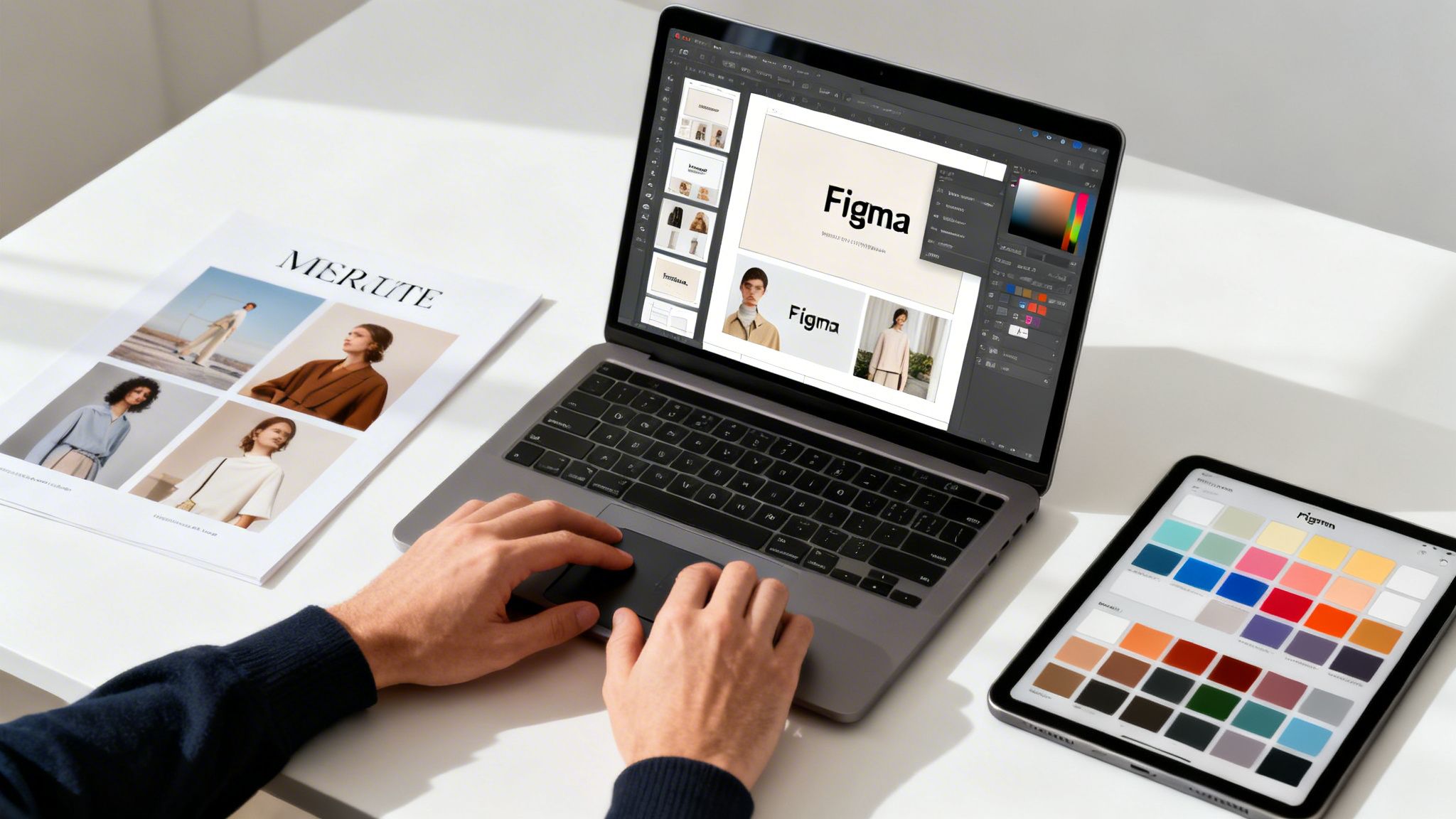
Your goal is brand consistency, not just a collection of nice-looking pages. A great template gives you a head start with a professional framework, but it's your job to apply your brand’s DNA to it.
Nail Down Your Global Style Guide
Start by defining the core styles that will cascade across the entire site. This is a non-negotiable step if you want to maintain a professional look and feel.
Colors: Lock in your primary, secondary, and accent colors. A good template will have these pre-linked to key components, so changing a single color variable can update your entire site in an instant.
Typography: Define your heading styles (H1, H2, H3) and body copy. Pick fonts that match your brand’s voice and, most importantly, are easy to read on any device.
Spacing and Layout: Set up consistent spacing rules. Premium templates often use a grid or a set of spacing variables that keep everything feeling balanced and intentional.
Taking this systematic approach prevents the dreaded "Frankenstein" effect, where different pages look like they belong to completely different websites. It’s the difference between an amateur build and a polished, professional digital presence.
From Placeholder to Personality
With your style guide locked in, it's time to replace the placeholder content with assets that actually tell your brand's story. This is where you articulate what makes you unique and start connecting with your audience.
But here’s a common pitfall: making design decisions directly on the live site is slow and risky. You could burn hours tweaking a layout only to realize the original was better. This is where working with templates from a provider like FramerDevs gives you a huge advantage, as they all include the original Figma source files.
This is a complete game-changer for your workflow. It means you can experiment, collaborate with your team, and perfect your entire visual direction in a dedicated design environment first. You can test new imagery, refine your copy, and get everything pixel-perfect before making a single change in Framer. This process speeds up customization dramatically and guarantees a much more cohesive final product.
By using the Figma file, you can:
Collaborate Visually: Get feedback from your team on layouts and visuals without anyone touching the live site.
Experiment Freely: Try out bold ideas for imagery and copy without the fear of breaking your website.
Ensure a Perfect Match: Once you finalize the design in Figma, implementing it in your Framer template becomes a straightforward, copy-paste process.
This workflow turns customization from a guessing game into a deliberate, efficient strategy. It empowers you to infuse your brand identity with confidence, knowing the final result will be polished, professional, and perfectly aligned with your vision.
Optimizing for Performance and User Experience
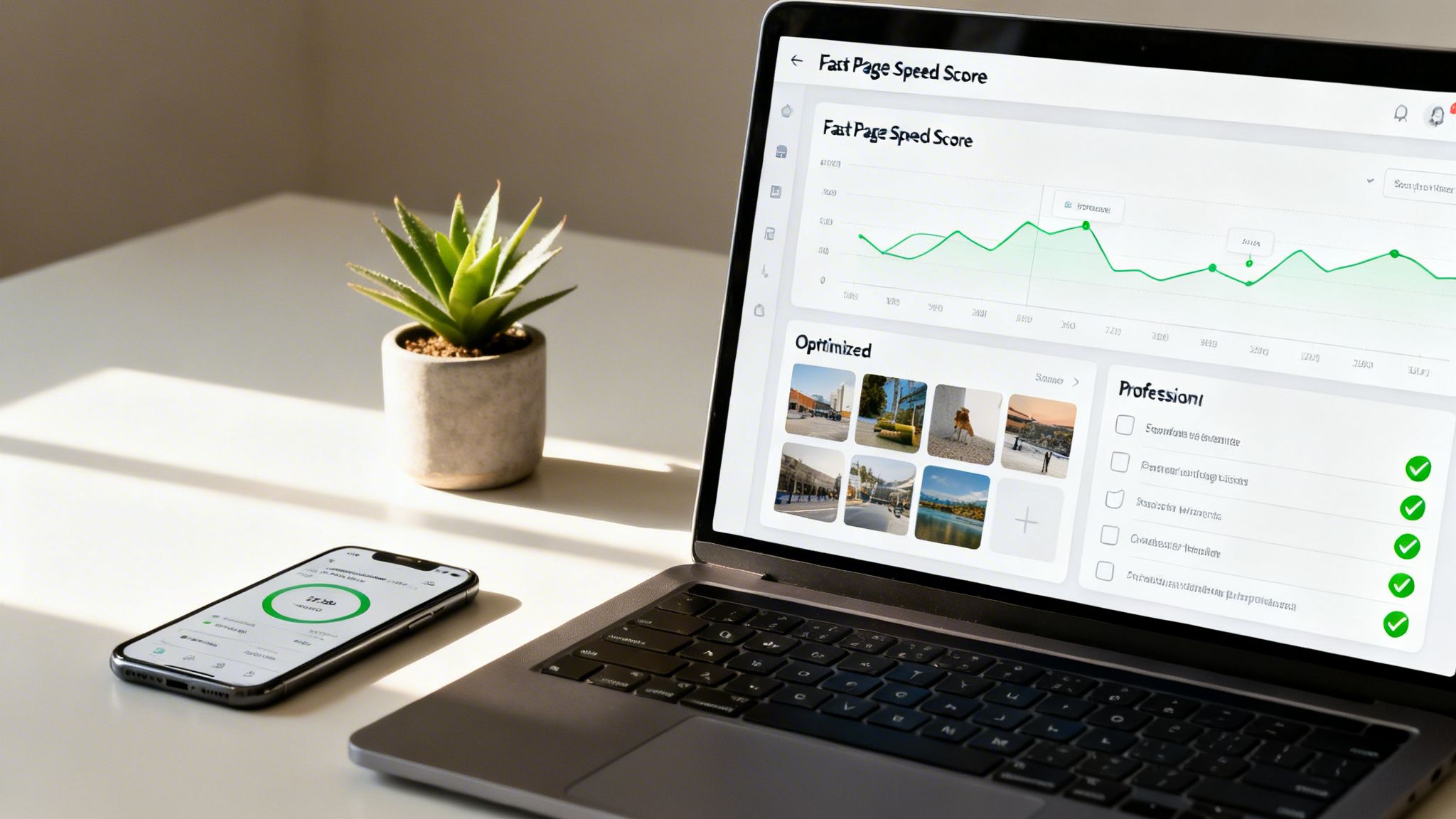
In the real world, a beautiful website that takes too long to load is basically invisible. Speed isn't just a "nice-to-have" feature anymore; it's the very foundation of a great user experience and the first thing that separates a professional build from an amateur one.
Getting those lightning-fast load times comes down to a bunch of small, deliberate optimizations. While platforms like Framer are built for speed right out of the box, how you build on top of them makes all the difference. This is exactly why kicking off a project with a premium template is such a smart move.
Here at FramerDevs, we build every template for peak performance from day one. We take care of the nitty-gritty technical details so you can sidestep the common mistakes that drag a site down.
Mastering Speed and Responsiveness
A fast, fluid experience isn’t about one big fix. It’s the result of many small, critical details working together in perfect harmony.
Modern Image Compression: We make sure every image uses next-gen formats like WebP, which deliver fantastic quality at a much smaller file size. This is one of the fastest wins for cutting down load times.
Strategic Lazy Loading: There's no reason to load every single asset the second a visitor arrives. By lazy loading images and videos that are "below the fold," the initial view pops up almost instantly.
Flawless Responsive Design: Our templates are obsessively tested on every device imaginable. Your site will look sharp and professional everywhere, from the smallest phone screen to the biggest desktop monitor.
This intense focus on optimization is a huge reason why companies are flocking to no-code. Many report cutting their development time by up to 90%, shrinking what used to be a month-long coding marathon into just a few days of visual design.
A high-performance website is a non-negotiable asset for growth. It directly impacts your SEO rankings, user engagement, and most importantly, your conversion rates. Starting with an optimized template is the fastest way to secure this advantage.
Your Pre-Launch Performance Checklist
Before you hit that publish button, a final performance check is essential. A smooth user journey is the backbone of a successful website, and solid testing helps you catch problems before your visitors do. Even with no-code tools, you can automate web application testing without writing code to find and fix issues proactively.
Run through this checklist to ensure a flawless launch:
Run a PageSpeed Insights Test: You should be aiming for a score of 90+ on both mobile and desktop. Don’t settle for less.
Verify Image Optimization: Do a quick scan to make sure every image is compressed and served in a modern format.
Test on Multiple Devices: This is non-negotiable. Grab your phone, a tablet, and check your site on different browsers to confirm everything looks and works right.
Check All Interactive Elements: Go through and click every single button, link, and form. Make sure they all do what they're supposed to do.
Focusing on these details ensures your new site doesn't just look amazing—it also provides the fast, dependable experience that actually gets results. And if you're serious about building a site that converts, our guide on landing page best practices is the perfect next step.
Integrating Your Essential Business Tools
A great website is never just a pretty face. It needs to be the engine of your business, plugged directly into the tools you use every day to find customers, track leads, and make sales. Without that, you just have a digital brochure.
This is where the power of no-code platforms like Framer really shines. They’re built to connect everything, turning your site into an automated system that captures leads and gathers data while you sleep. The trick is making sure those connections are solid.
Think of it like a simple workflow: a visitor fills out a form, you track their journey, and they make a purchase. Integrations are what make that happen smoothly.
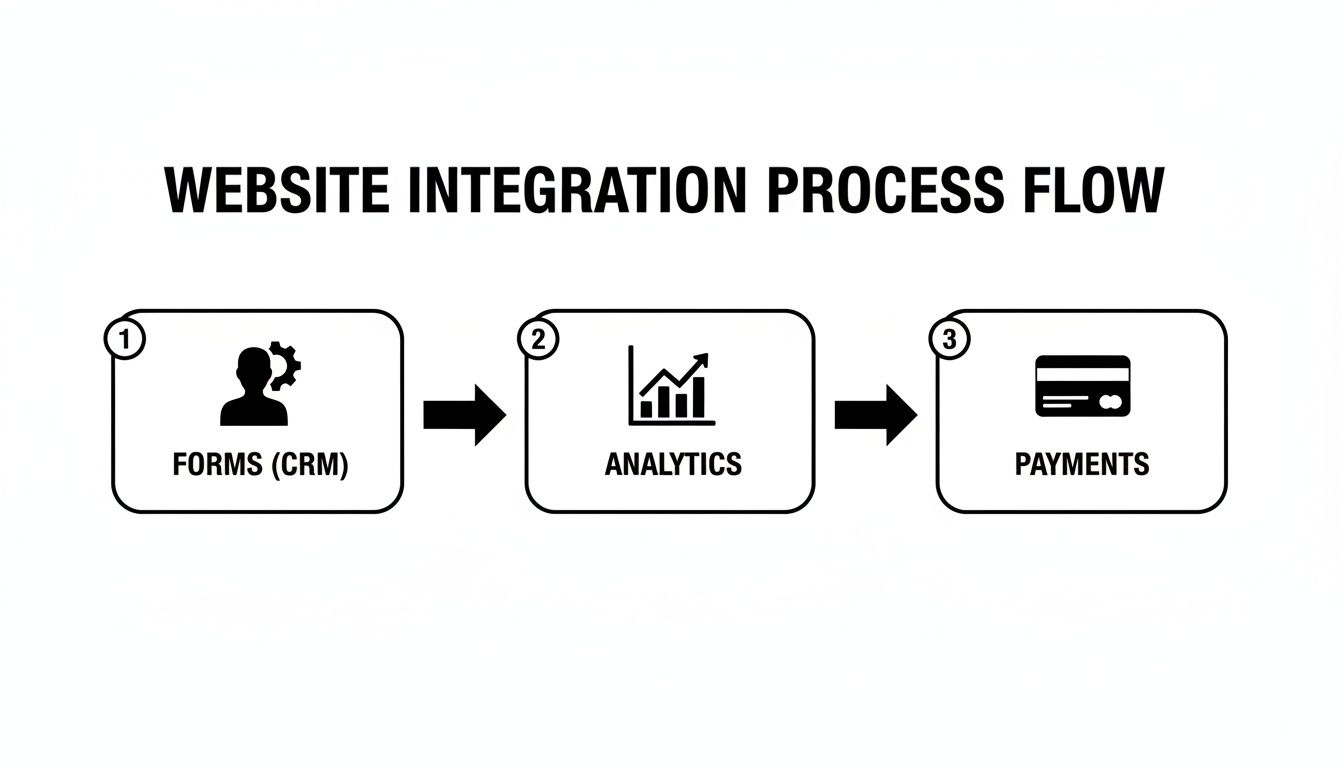
This diagram shows how you can link your forms, analytics, and payment systems together to create a seamless customer experience, all powered by no-code tools.
Connecting Your Growth Engine
First things first: you need a reliable way for potential customers to reach you. That starts with your website's forms.
CRM Integration: Don’t let form submissions die in your email inbox. Hook them up directly to your CRM, like HubSpot or Salesforce. This way, every new lead is automatically created, tagged, and ready for your sales team to follow up.
Analytics Platforms: You can’t improve what you don’t measure. Drop a tracking script from Google Analytics or a privacy-focused tool like Plausible onto your site. This is how you find out which pages are working, where visitors are coming from, and why they might be leaving.
While you can set these up yourself, it can get messy fast. This is one of the biggest reasons to start with a premium template from a place like FramerDevs. Our templates are built with these integrations in mind, with clean structures that make connecting your tools a straightforward copy-and-paste job.
The real power of no-code isn't just building the site; it's connecting it to your business ecosystem. A great template is pre-wired for these connections, saving you hours of technical headaches and ensuring your data flows exactly where it needs to.
Powering Content and Commerce
Beyond capturing leads, your site needs to be a hub for your content and, in many cases, a place to take payments. Both Framer and Webflow have fantastic built-in CMS capabilities that let you manage a blog, post case studies, or update a portfolio without ever leaving the design tool.
A well-organized CMS is the foundation of any good content marketing plan. It lets you publish new articles and resources consistently, which is a huge driver for SEO and keeping your audience engaged.
And when it’s time to sell, connecting a payment tool is non-negotiable.
Payment Gateways: Forget complex code. Integrating services like Stripe or Lemon Squeezy is now as simple as dragging a component onto your page and adding your API keys.
Marketing Automation: Connect your website to email platforms like Mailchimp or ConvertKit. This allows you to automatically add new sign-ups to your email lists and nurture them with automated sequences, turning casual visitors into loyal customers.
When you connect these tools thoughtfully, your website stops being a passive brochure and becomes an active, essential part of your growth strategy.
Executing a Smooth Launch and Beyond
Getting to the finish line with your no-code website is a great feeling, but your work isn't done just because you’re ready to hit "publish." A rushed launch is a recipe for disaster—think broken links, botched SEO, and a confusing user experience that kills your credibility from day one.
Those final moments before going live are your last chance to iron out all the kinks.
This is the time for a deliberate, methodical final check. Click through every single navigation link. Test every contact form to make sure submissions are actually going somewhere. Double-check that all your buttons and CTAs lead to the right place. This simple process is your first line of defense against frustrating your very first visitors.
Once you know everything works, it's time to nail your on-page SEO. Go through every page and confirm you have unique, compelling meta titles and descriptions. Every single image needs descriptive alt text—this isn't just for accessibility, it's a huge factor for search engine visibility.
For a complete rundown, make sure to follow our comprehensive website launch checklist to cover all your bases.
Pre-Launch Technical Polish
With the content and basic SEO locked in, a few final technical checks can make a massive difference. If you’re migrating from an old site, setting up URL redirects is non-negotiable. This single step preserves your search rankings and prevents users from hitting dead "404 Not Found" pages. It’s a simple task inside Framer but is shockingly easy to forget in the excitement of going live.
This is also where a premium template from FramerDevs really pays off. Our templates are built with a clean, logical site structure from the start, which makes managing SEO settings and setting up redirects much less of a headache. A well-organized foundation prevents these kinds of last-minute technical fires.
Life After Launch
Your work isn't over just because the site is live. A high-performing website needs ongoing attention to stay relevant and effective. A good post-launch plan ensures your site continues to be a real asset for years to come.
A website launch isn't a finish line; it's the starting gun. Your post-launch strategy is what determines whether your site generates long-term value or slowly becomes obsolete.
Here’s what you should be doing regularly:
Performance Monitoring: Keep an eye on your site's speed using tools like Google PageSpeed Insights. Dive into your analytics to see which pages are a hit and where users might be dropping off.
Regular Backups: While platforms like Framer handle server-side backups, it's always smart to have your own copies of key content, designs, or CMS data.
Content Updates: Schedule time to refresh your blog, add new case studies, or update testimonials. A site with fresh content signals to search engines that it’s active, which helps with rankings.
This proactive approach turns your no-code website from a simple online brochure into a powerful business tool that consistently drives results.
Got Questions About No-Code Website Design?
Jumping into no-code often brings up the same set of questions. It's totally normal. Let's clear the air so you can move forward and make the right calls for your project.
Can I Build a Truly Scalable Website Without Code?
Absolutely. Modern no-code platforms like Framer and Webflow are seriously powerful. They're not just for small projects anymore—fast-growing startups and even big enterprise companies run their entire digital presence on them.
The secret to a scalable site isn’t really about the tool itself; it’s about the foundation you build on. While you can start from a blank canvas, that freedom can quickly lead to performance issues and a messy structure that's impossible to maintain.
Starting with a professionally engineered template gives you a clean, robust foundation from day one. This frees you up to focus on your content and business strategy, knowing the technical side of things can handle whatever growth comes your way.
Are No-Code Websites Good for SEO?
Yes, they can be fantastic for SEO, but only if you build them the right way.
Platforms like Framer give you full control over all the SEO vitals—meta titles, descriptions, alt tags, clean URLs, you name it. Plus, performance is a huge ranking factor, and a well-built Framer site often outpaces traditional WordPress builds on speed.
A premium template gives you a massive head start on SEO. They’re built with best practices like proper heading structure (H1, H2, H3) and lightning-fast load times baked right in. This helps you dodge common and costly optimization mistakes from the get-go.
What Is the Biggest Mistake to Avoid?
The single biggest mistake we see is underestimating the importance of solid design principles and user experience. Just because a tool is powerful doesn’t automatically make you a seasoned designer.
This is where so many projects fall flat. They end up with inconsistent branding, text that’s hard to read, and a confusing user journey that kills conversions. The site might work, but it doesn't perform.
This is exactly why starting with a professional template is such a game-changer. It provides a proven framework crafted by experts, ensuring your site not only looks incredible but also guides visitors effectively. It turns your no-code website design from a simple project into a real business asset.
Ready to launch a high-performance website without the guesswork? Explore the full library of premium, conversion-focused templates from FramerDevs and go from idea to live in days, not months. Find your perfect design at https://framerdevs.com.



