
Launch Faster With Single Page Web Design Templates
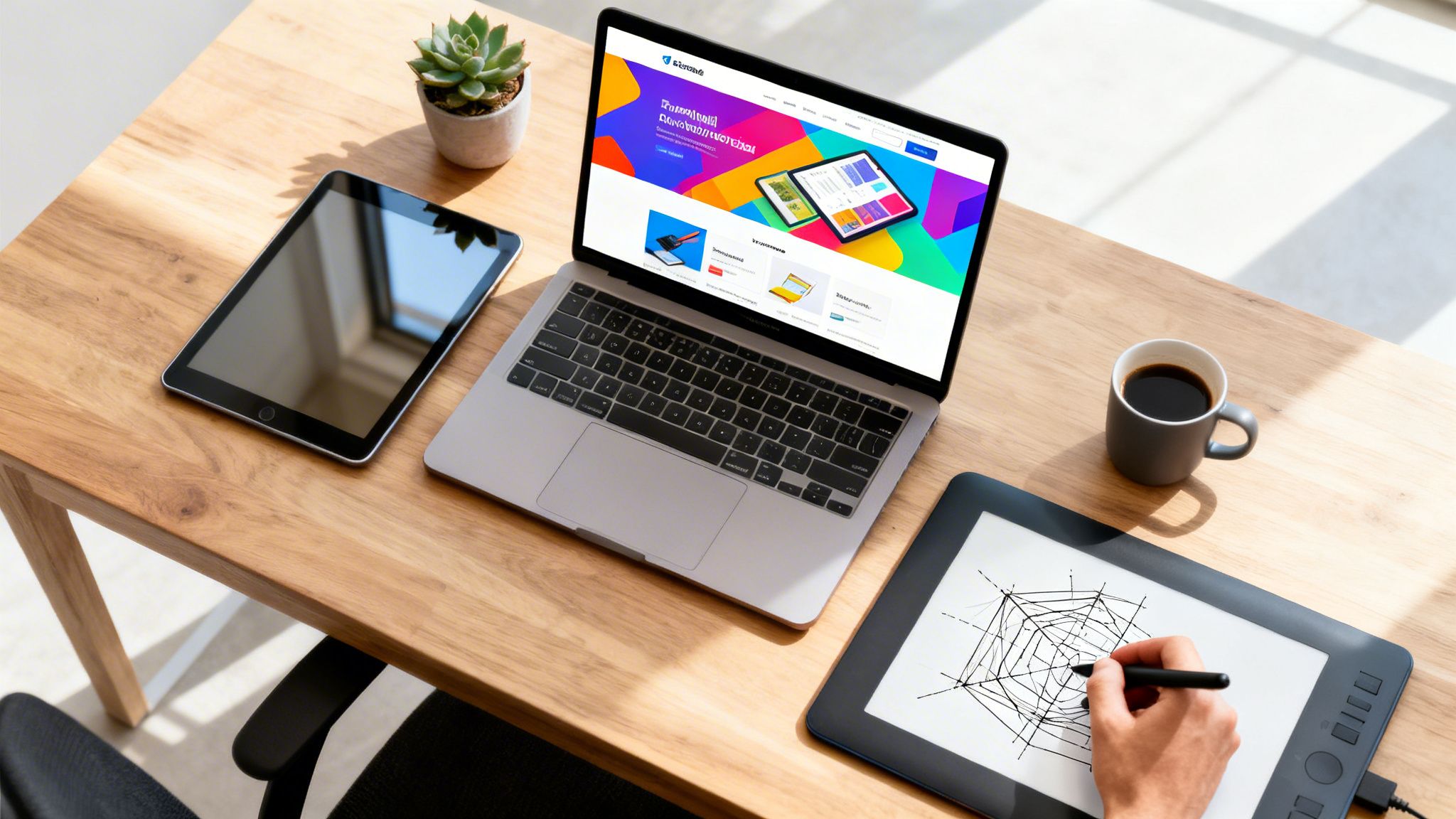
Single-page web design templates are a powerful way to launch a focused website, packing all your essential content into one smooth, scrolling experience. They're perfect for portfolios, product launches, or events where telling a clear story and driving a single call-to-action is everything.
Why Single Page Designs Are Winning
Not long ago, building a website meant mapping out a complex web of interconnected pages. Today, smart startups and marketers are ditching that model for a single page. This isn't just a design trend—it’s a direct response to common business killers like high bounce rates and low conversions.
A single-page design gives you complete control over the story. You guide visitors through a linear narrative, from a hook in the hero section right down to the final call-to-action. There are no distracting navigation links to pull them off course. That simplicity is your biggest advantage for keeping people locked in.
Before we dive deeper, it helps to see how these two approaches stack up.
Single Page vs Multi-Page Websites at a Glance
Here’s a quick comparison to help you decide which structure best fits your project.
Factor | Single-Page Template | Multi-Page Website |
|---|---|---|
User Journey | Linear, guided, and focused | User-driven, exploratory |
Content | Concise and targeted | Detailed and comprehensive |
Goal | Single, clear call-to-action | Multiple goals and user paths |
SEO | Best for a single keyword/topic | Better for targeting many keywords |
Launch Speed | Very fast | Slower, more complex |
Best For | Portfolios, events, products | Blogs, e-commerce, corporate sites |
While multi-page sites have their place, the focus of a single page is often what drives real results for specific campaigns.
The Power of a Focused User Journey
The real magic of a single-page website is the uninterrupted journey it creates. When someone lands on your site, they follow one logical path from top to bottom. This structure works wonders for specific goals:
Launching a Product: Unfold your story by showcasing features, benefits, and pricing in a natural sequence.
Promoting an Event: Build hype with a countdown timer, introduce your speakers, and lead visitors straight to ticket sales.
Building a Portfolio: Guide potential clients through your best work, explain your process, and end with a clear way to contact you.
This focused approach is also a win for mobile users, who much prefer scrolling over tapping through a maze of pages. The web is moving toward simpler, more efficient experiences, embracing trends like Minimalist Web Design For Mobile in 2026.
It’s not just a hunch; one-page websites can pull in 20-30% higher conversion rates than their multi-page counterparts simply because they eliminate distractions.
Faster Launches and Better Results
Building a website from the ground up is a huge lift, often bogged down by high costs and long timelines. This is where a professional template changes the entire game. A premium template, like the ones we build at FramerDevs, lets you tap into the power of single-page design instantly.
Instead of wrestling with code or spending weeks on layout decisions, you start with a foundation that's already optimized for conversions. These templates are launch-ready assets built by one purpose: to deliver results.
By starting with a professionally crafted single page web design template, you skip the expensive and slow development cycle. You get to focus on what actually matters—your brand message, your content, and your business goals.
With performance, responsive design, and a clear structure already baked in, you get a massive head start. Think of it as getting a high-performance tool built by experts, ready for you to customize and launch in days, not months.
Choosing a Template That Aligns With Your Goals
Picking the right single-page template isn't about finding the prettiest design. It's about choosing the right tool for the job. The best single-page sites have one laser-focused goal, and your template should be the framework that supports it from day one.
Before you even look at templates, get clear on your primary objective. Are you trying to build a waitlist for a new SaaS? Sell tickets for a virtual event? Or land your next client with a killer portfolio? Each goal needs a totally different layout and psychological approach.
This decision tree helps visualize when a single-page site is the right call.
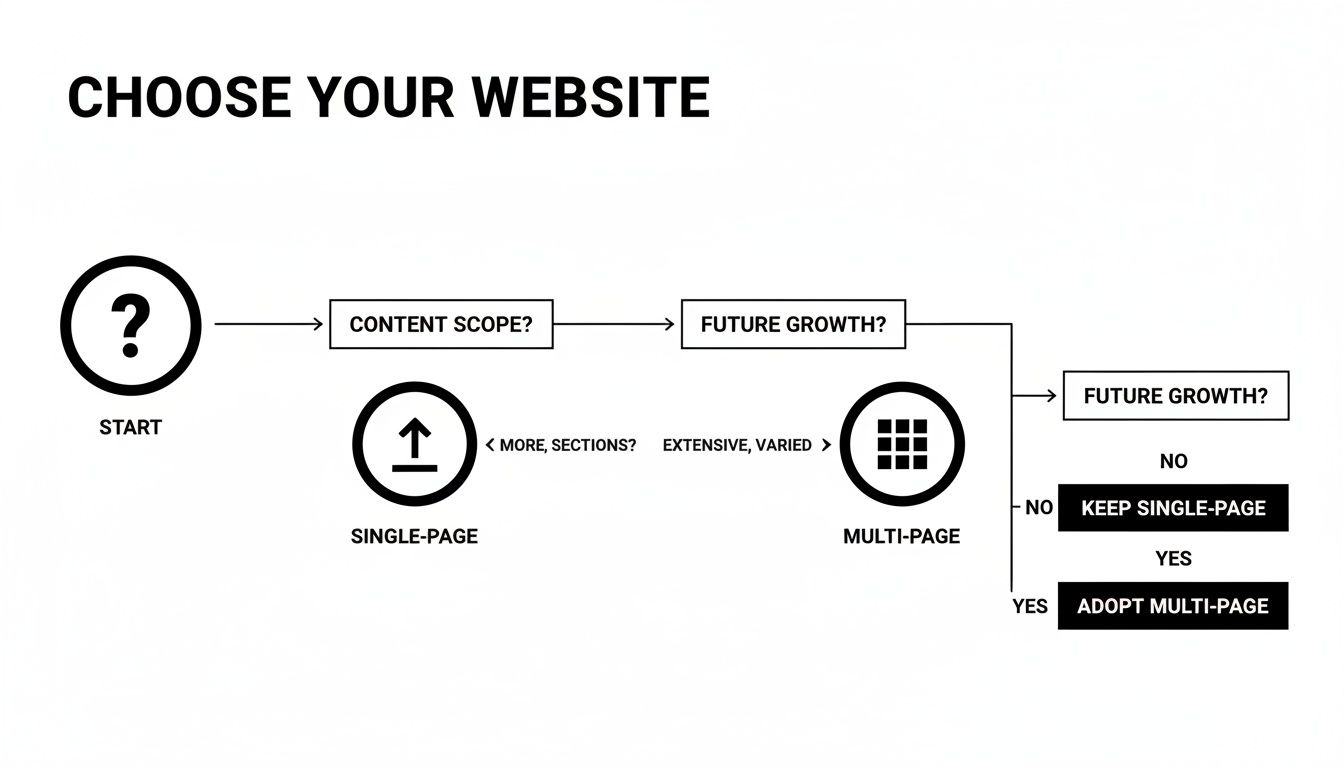
As you can see, a single-page site shines when you have a singular, focused goal like a product launch or a portfolio showcase. It's a direct and powerful path, and it’s reshaping the $92.06 billion web design market. By 2026, these templates are vital for high-stakes projects where a clean, frictionless experience is everything.
After all, industry data shows 78% of customers value brand consistency, and a single-page site’s cohesive scroll delivers that perfectly. You can find more compelling web design statistics that confirm these trends.
Match the Template to the Mission
When you build from scratch, you're on the hook for every single design decision—from button placement to the flow of information. It’s slow, and if you’re not a conversion expert, it’s also incredibly risky. A professional template, on the other hand, gives you a head start with a strategic layout designed by people who live and breathe user behavior.
Here are a few real-world scenarios to make it concrete:
For a SaaS Waitlist: Your template needs a bold hero with a value proposition that’s impossible to misunderstand. The layout should guide users straight to a simple signup form, with social proof sprinkled in to build trust along the way.
For an Event Promotion: Look for a template with a countdown timer to create urgency right away. It must have dedicated sections for the agenda, speaker bios, and tiered pricing, all funneling down to an unmissable "Buy Tickets" button.
For a Creative Portfolio: The design has to be all about the visuals. A clean, grid-based layout that puts your best work front and center without any clutter is non-negotiable. It should all lead to a simple contact form.
Choosing a purpose-built template means you're not just getting a beautiful design; you're getting a conversion-optimized machine. It’s the difference between starting from an empty field and building on a solid foundation.
Start with a Strategic Advantage
The biggest win from using a professional template is getting to launch fast without cutting corners on quality. Instead of guessing what works, you’re starting with a proven formula. This is the core philosophy behind our work at FramerDevs—we build every template as a strategic framework for a specific business outcome.
You can explore our library of premium single page web design templates to see this principle in action. Notice how each one is built for a different goal, whether it’s generating leads for an agency or launching a new app.
By choosing a template that already aligns with your goals, you can stop worrying about the layout and focus on what you do best: crafting great content and growing your business.
Customizing Your Template for Maximum Conversions
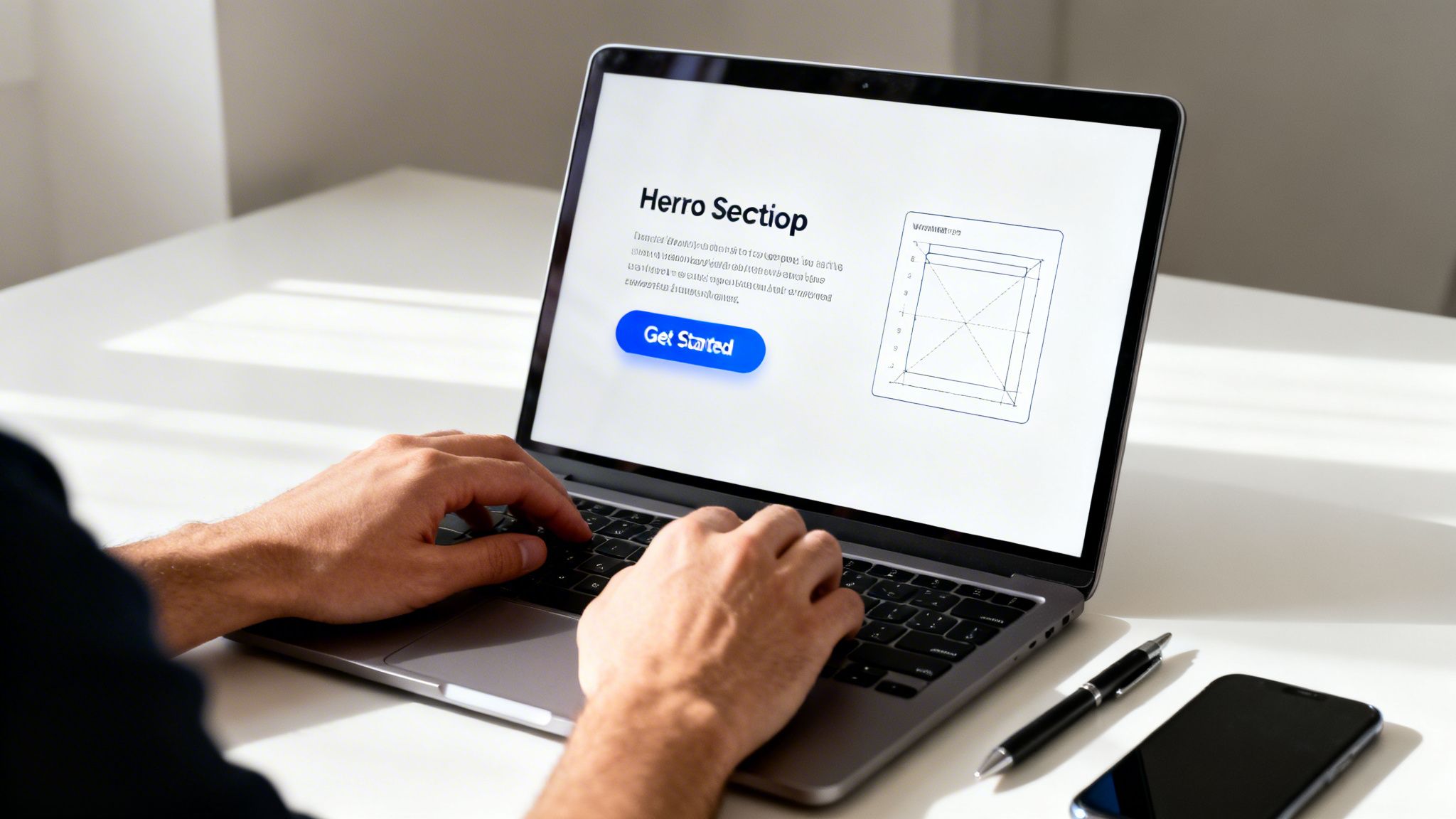
Starting with a professional template gives you a huge head start, but the real magic happens when you make it your own. Think of the template as a high-performance engine; your job is to add the custom bodywork and details that align perfectly with your brand and speak directly to your audience.
The goal isn't just to swap out a few colors and fonts. It's about refining every single element with one purpose: getting visitors to take action. Your single-page site is essentially a high-converting landing page, so customizing it the right way is what will actually boost your sales and hit your targets.
This is where you’ll really appreciate a premium template from a place like FramerDevs. Instead of fighting with code or a clunky, rigid structure, you get a flexible foundation that’s already built for results. It frees you up to focus on the brand-specific details that actually do the persuading.
Plan Your Changes with Figma
Before you touch a single thing in Framer, the smartest move you can make is to map out your vision. That’s exactly why our templates come with the original Figma source files. It’s your creative sandbox—a place to plan and experiment without any risk of breaking your site.
Using Figma first lets you:
Test visual ideas fast: Play around with new color palettes, typography, and images to see what really clicks with your brand identity.
Refine your copy: Write and place your headlines, body text, and CTAs right on the layout to make sure your message flows logically and hits hard.
Get team feedback: Share the design for quick input before you commit to building it in Framer. This alone can save you hours of painful back-and-forth edits.
For a deeper dive into this workflow, check out our guide on using a Figma wireframe template to organize your design process. Honestly, this one step is often what separates an amateur-looking site from a polished, professional launch.
Conversion-Focused Customizations to Make
Once you have your plan ready, it’s time to make the changes that will directly impact your conversion rate. A beautiful design is great, but it’s worthless if it doesn't get visitors to act.
Focus your energy on these high-impact areas:
Refine the Hero Section: This is your one shot to make a great first impression. Your headline must instantly communicate your unique value. Make absolutely sure your main call-to-action (CTA) is visible, clear, and compelling.
Write Compelling Scroll-Point Copy: Every section a visitor scrolls to on your single-page site is another chapter in your story. The copy needs to build on what came before it, answer the next question in their mind, and guide them smoothly toward that final CTA.
Design Unmissable CTAs: Your buttons need to pop. Use a color that contrasts with the background so they’re impossible to miss. And please, use clear, action-oriented text like "Get Started Today" or "Download My Free Guide" instead of a weak, generic "Submit."
Remember, a professional template is your launchpad, not a restrictive box. By thoughtfully customizing these key elements, you transform a great design into a powerful conversion tool tailored specifically to your business. This is how you move from just having a website to owning a business asset that delivers real results.
Optimizing for SEO and Peak Performance
One of the biggest myths I hear about single-page websites is that they’re terrible for SEO. While it’s true that a huge multi-page site can target more keywords, a focused one-pager can absolutely dominate its niche when you optimize it correctly.
The trick is to stop thinking of your page as one big block of content. Instead, think of it as a collection of distinct, organized sections.
This approach means treating each section—like your services, about, or contact area—as its own mini-page. By giving each one a unique ID (like #services or #contact), you can create "jump links" in your navigation. These don't just help users find what they need faster; they give search engines like Google a clear map of your content, allowing them to understand and even rank different parts of your page individually.
The Need for Speed and Quality
Peak performance isn't just a nice-to-have technical goal; it's a core business necessity. Single-page web design templates are already making workflows more efficient, especially since 90% of modern websites are built to be responsive.
But speed is the real game-changer. For instance, retailers lose an estimated $2.6 billion every year from slow-loading sites. On the flip side, a well-built single-page site can load up to 39% faster on average by cutting down on server requests. You can explore more crucial web design statistics to see just how directly speed impacts revenue.
This is where a professional template becomes so valuable. When you build from scratch, you're on the hook for every single performance tweak—from image compression and code minification to lazy loading. It’s a ton of work, and it's surprisingly easy to get wrong.
A Head Start with Pre-Optimized Templates
Starting with a premium template from FramerDevs means all that foundational performance work is already done for you. You're not starting from scratch; you're starting from 90% complete.
Here’s what’s already baked into our templates:
Featherlight Code: We obsess over clean, minimal code to ensure your site loads instantly and keeps visitors from bouncing.
Automated Image Compression: Framer automatically handles image optimization, but our templates are built to use those images efficiently, ensuring quality is never sacrificed for speed.
Built-in Responsiveness: Every template is rigorously tested to look and perform perfectly on all devices, from massive desktop screens to the smallest smartphones.
By choosing a FramerDevs template, you get to bypass the entire performance learning curve. You can focus your energy on your content and marketing, confident that your site is built on a high-speed, SEO-friendly foundation designed by experts.
This isn’t about taking a shortcut; it's about making a smart business decision. A pre-optimized single page web design template gives you the professional-grade performance needed to rank higher and convert better, saving you weeks of technical headaches and letting you launch with a powerful competitive edge.
Your Final Pre-Launch Checklist
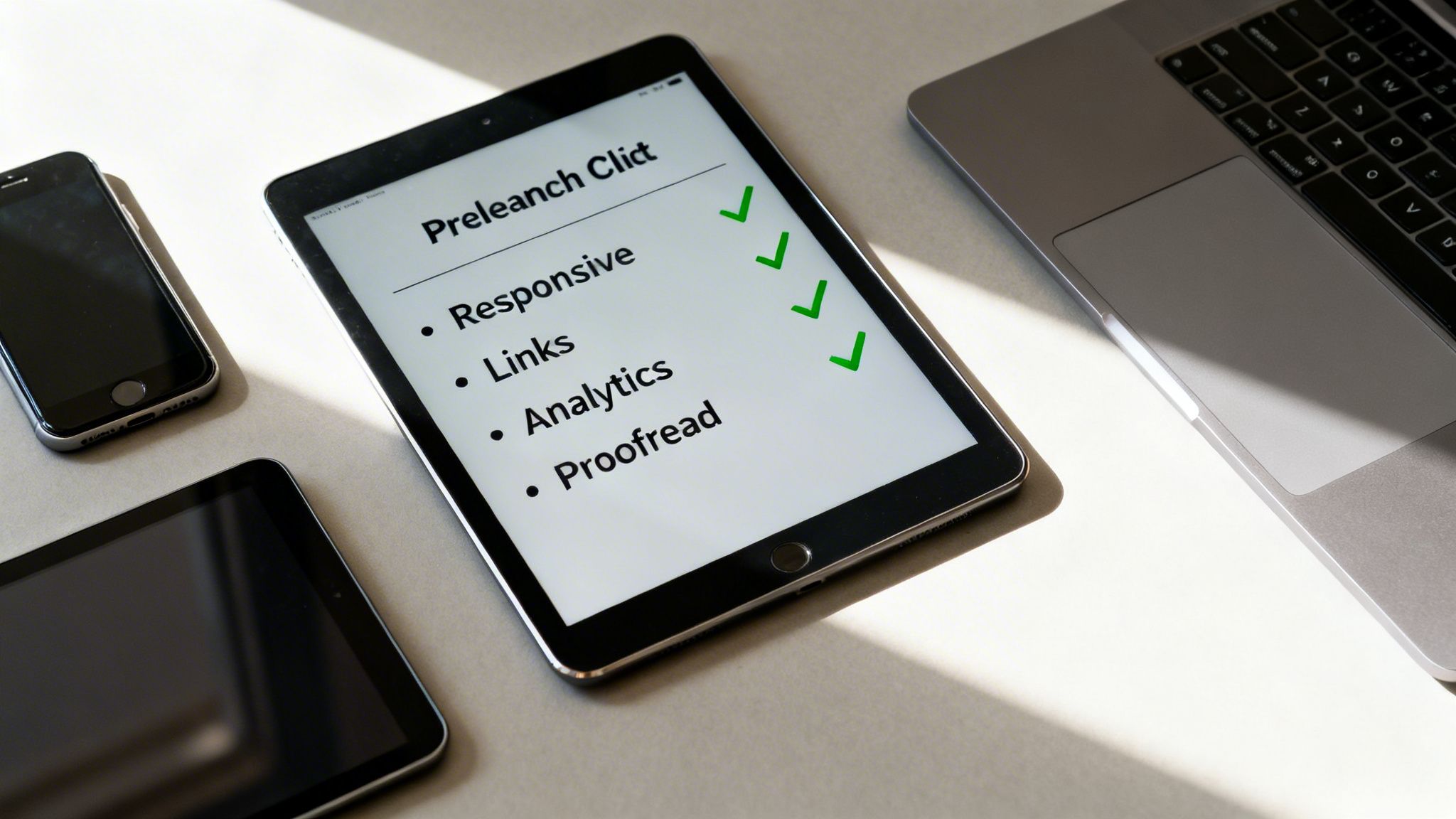
You’re almost there. Your single-page web design template is looking sharp, the content is locked in, and your call-to-action is ready to go. But launching isn't just about hitting "publish." It's about making sure every single detail works flawlessly before your first visitor arrives.
This is the quality check that separates a professional launch from an amateur one. It’s where you catch those tiny, conversion-killing mistakes—like a broken link or a form that goes nowhere.
Running through a final checklist ensures the high-quality foundation of your template translates into a perfect user experience. This isn't just about fixing bugs; it's about launching with complete confidence.
Functional and Technical Checks
First things first, let's make sure everything works exactly as it should. A premium template from a provider like FramerDevs gets you 90% of the way there, but your customizations need one last look.
Your pre-launch audit should cover these non-negotiables:
Responsiveness Across All Devices: Don't just check your laptop and phone. Open your browser's developer tools and test every common screen size, from large desktops down to tablets and smaller phone models. Make sure no text overlaps and every element looks intentional.
Link and Button Integrity: This one is critical. Click every single link, button, and anchor on the page. A dead link on your main CTA can instantly kill your entire conversion funnel.
Form Submission Testing: Fill out and submit every form. Check that you get the notification email, the user sees a "thank you" message, and the data actually makes it to your tools like Mailchimp or a CRM.
This isn’t just busywork; it's a core part of any professional workflow. It guarantees the conversion-focused structure you started with actually performs when real people show up.
Content and Analytics Readiness
Once the technical side is solid, it's time to focus on your content and data. This is your final chance to polish your messaging and confirm your analytics are ready to track performance from the moment you go live.
Proofread Everything (Twice): Read every word on your site out loud—it’s the best way to catch typos, grammar issues, or clunky sentences. Double-check your SEO title, meta description, and social sharing (Open Graph) tags to make sure they’re clean and compelling.
Connect Your Analytics: Confirm that your analytics tool, like Google Analytics 4, is installed and actively tracking data. Be sure to set up conversion goals for your most important actions, like form submissions or key button clicks, so you can measure what matters right away.
These final checks turn your template from a design file into a real, professional business asset. For an even more granular breakdown, check out our complete guide on creating a comprehensive website launch checklist. It’s the last step to ensure your site is ready to deliver.
Common Questions and Concerns
When you’re thinking about a single-page template, a few big questions always pop up. People often worry about SEO, wonder if their site can grow, and question if one page is really enough. Let's clear the air and tackle these concerns head-on.
The number one question I hear is: "Are one-page websites bad for SEO?" The short answer is no, but you can't just throw content on a page and hope for the best. They demand a focused strategy.
A single-page site can rank incredibly well for a specific, primary topic. The trick is to give each section a unique HTML ID (like #services or #about) and use anchor links for navigation. This gives search engines a clear roadmap of your content and makes it easy for users to jump around.
The truth is, modern SEO cares more about user experience than anything else. A fast, engaging single-page site that keeps people scrolling will almost always beat a slow, confusing multi-page website.
Can My Site Grow with a Single Page?
Scalability is another huge concern. "What happens when my business takes off and I need more pages?" It’s a fair question. A single-page site is perfect for a sharp, focused launch, but it's not the right fit for a content-heavy business like a blog or a sprawling e-commerce store.
But here’s the thing: a well-built template from a provider like FramerDevs isn't a dead end. It’s actually a brilliant starting point.
Here's why starting with one page is a smart, scalable move:
Launch Fast, Learn Faster: It gets you to market in days, not months. You can start validating your idea, gathering real customer feedback, and bringing in revenue right away.
Build a Solid Foundation: The design system, branding, and core components you establish on your single-page site are reusable. When it's time to expand, you aren't starting from scratch—you're just adding new rooms to a house that’s already built on a solid foundation.
Think of it as laying a strong foundation before adding more floors. You start with the essentials, test them in the real world, and then expand with confidence. Building a full-blown website from scratch is a massive drain on time and money. Using a professional, conversion-focused template is simply a faster, more reliable path to getting your project off the ground.
Ready to launch a beautiful, high-performing website without the headaches of building from scratch? Explore the library of premium, no-code templates from FramerDevs and find the perfect design to bring your vision to life in days, not months. Start building today.



