
Build Websites Without Code Using Framer and Webflow
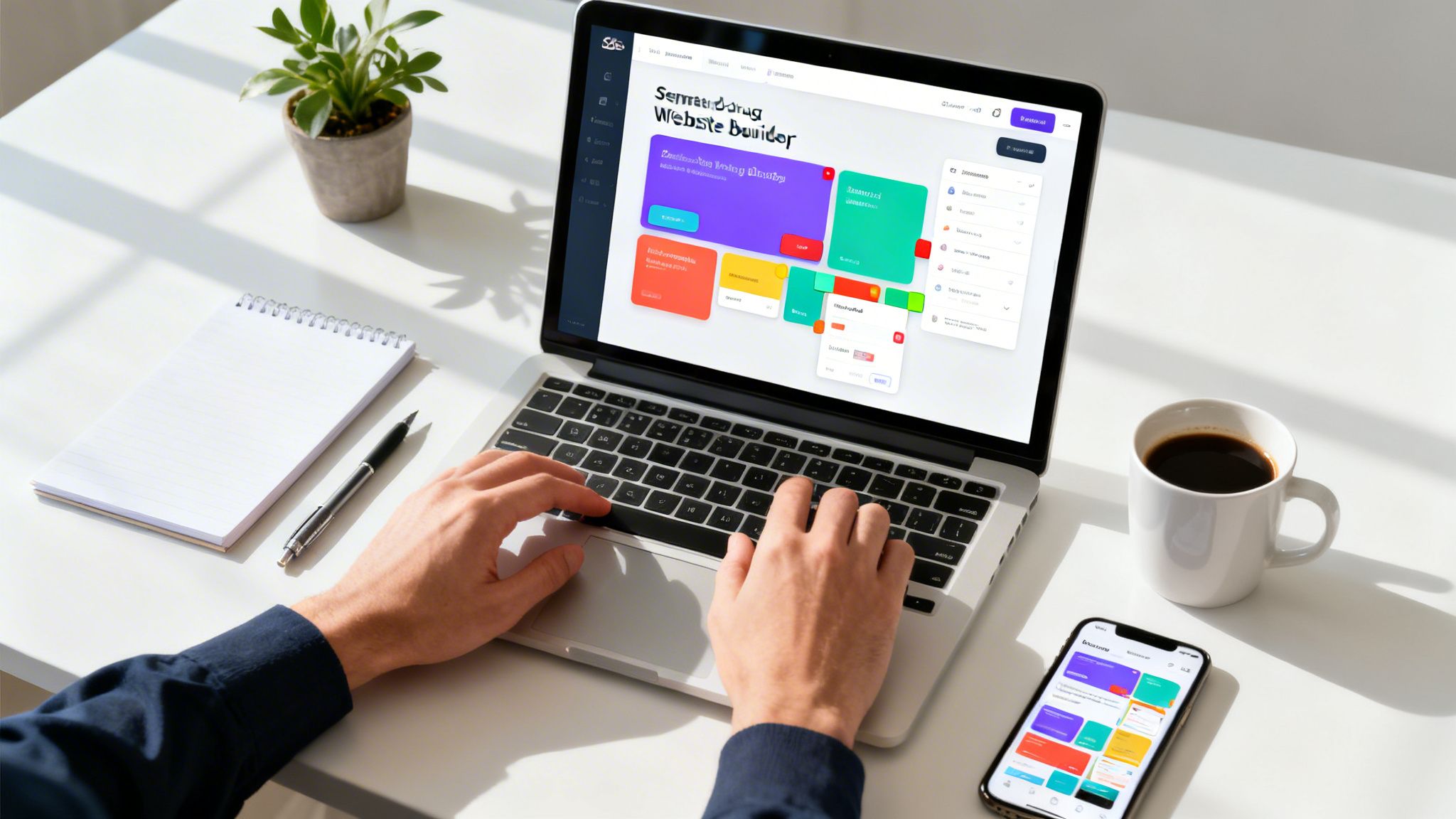
Let's be honest: the old belief that you need to be a developer to build a great website is dead. Thanks to a new wave of no-code tools, anyone with a good idea can build and launch a fully functional site in days, not months. This isn't some niche skill anymore; it's a huge advantage for businesses and creators who want to move fast.
The Rise of No-Code Web Design
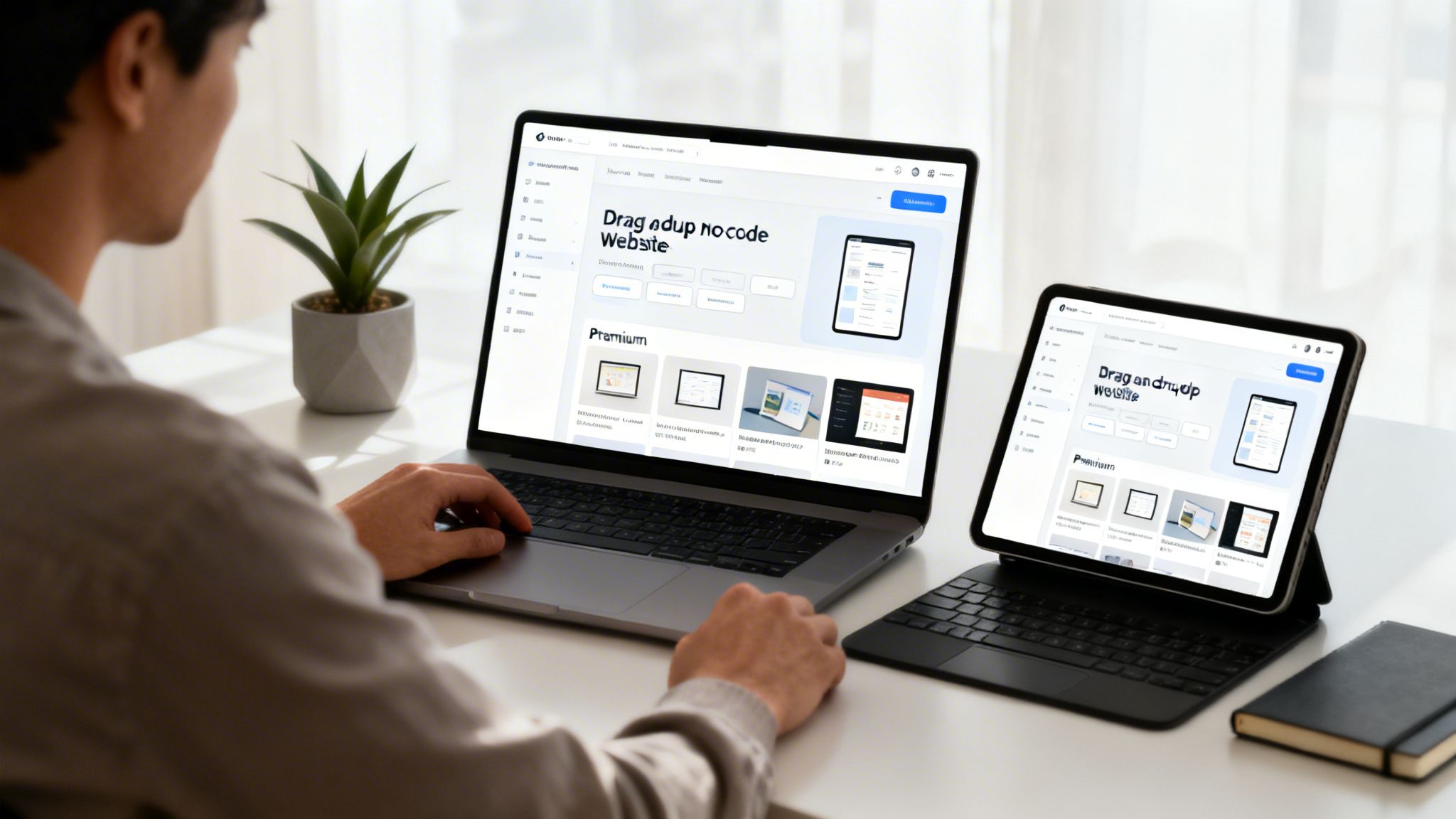
It wasn't long ago that getting a website built was a painful process. Your vision was trapped in Figma files, waiting for a developer to translate it into code. The whole thing was slow, expensive, and almost always led to a frustrating gap between what you wanted and what you got.
That's all changed. Platforms like Framer and Webflow have completely flipped the script, putting entrepreneurs and designers back in the driver's seat. Now, you can design, build, and launch a beautiful, high-performance website using a visual canvas. It's less about "no code" and more about having total control and speed.
Moving from Idea to Launch Faster
The real win here is speed. A traditional website project can drag on for months, stuck in endless back-and-forth cycles between designers, developers, and project managers. With no-code tools, that timeline shrinks from months to days.
This isn't just a convenience; it’s a massive business advantage. Instead of sinking weeks into development, you can spend your time on what actually grows your business: testing ideas, finding customers, and building your brand. We dive deeper into this agile way of working in other articles on the FramerDevs blog.
The real value isn’t just building faster—it’s about learning faster. When you can launch quickly, you get real-world feedback and can iterate on the fly. Your website stops being a static brochure and becomes a dynamic tool for growth.
How a Template Gives You a Head Start
While a platform like Framer gives you the raw power, starting with a premium template from an expert provider like FramerDevs is like getting the keys to a professionally tuned race car instead of a box of parts. It gives you a strategic head start.
A great template is so much more than a pretty design. It’s a complete foundation built on proven UX principles and conversion best practices. These templates come pre-built with:
Flawless Responsiveness: Your site will look and work perfectly on every device, from a huge desktop monitor down to a phone.
Performance Optimization: You get the lightning-fast load speeds that users and Google love, right out of the box.
Conversion-Focused Layouts: Visitors are guided toward the actions that matter, like signing up, making a purchase, or booking a demo.
Starting with a professional template from FramerDevs means you get to skip hundreds of hours of painstaking design, development, and testing. You can jump straight to customizing your content and launching a site that’s miles ahead of the competition.
Strategic Planning for Your No-Code Website
Before you ever touch a color picker or choose a font, a successful website starts with a solid plan. It's a classic mistake: jumping straight into a builder like Framer or Webflow without a clear strategy. This almost always leads to confusing layouts, dead-end user paths, and missed business goals.
Trust me, spending just one hour on planning upfront will save you days of frustrating rework later.
Your first move is to define the website's single most important job. Is it to generate leads for your SaaS? Sell products from an online store? Or is it to showcase your portfolio and land new clients? This core objective will guide every single decision you make, from page structure to the text on your call-to-action buttons.
Define Your Audience and Their Journey
Once your goal is set, you need to get inside the head of the person you're building for. Who is your ideal customer? What's keeping them up at night? What information do they absolutely need to see before they'll trust you with their time or money?
Map out the exact path you want them to take. For instance, a potential client for a consulting firm might land on your homepage, click over to your services, read a case study to see proof, and then finally fill out your contact form. Understanding this journey is what allows you to arrange content logically and nudge visitors toward your main goal.
A professional template from FramerDevs already has a proven user journey baked into its design. Your job isn't to reinvent the wheel, but to align that pre-built flow with your specific audience by customizing the content and calls to action.
This is why starting with a plan makes customizing a template so much faster. You're not just guessing where your content should go; you're slotting your targeted messaging into a structure that’s already built to perform.
Outlining Your Site Structure and Content
With your goal and audience crystal clear, it’s time to outline your pages and the content they'll hold. Keep it simple. Most businesses can make a huge impact with just a few core pages:
Homepage: Think of it as your digital storefront. It must instantly answer: "What do you do?" and "Who do you do it for?"
About Page: This is where you build trust. Share your story, your mission, and the real people behind the brand.
Services/Products Page: Detail what you offer, but focus on the benefits and solutions you provide, not just the features.
Contact Page: Make it incredibly easy for people to get in touch. Remove every possible barrier.
Before you start building, get your brand assets in one place. This means your logo, brand colors, font choices, and any professional photos or videos. Having all this ready makes the actual customization process smooth and incredibly quick.
This strategic approach ensures you’re not just making another website; you're building a powerful business tool. When you build websites without code, grabbing a professional template is a strategic move. It gives you a framework designed for results, letting you focus on the business logic, not the technical grunt work.
Smart Foundations: A Template vs. Building From Scratch
When you decide to build a website without code, you’ll quickly hit a major fork in the road. Do you start with a completely blank canvas, or do you build on a professional template? The idea of starting from scratch is tempting—it feels like the purest form of creative control.
But the reality is often a tough lesson in project management. What starts as a fun design challenge can quickly become a time-consuming struggle with layouts, responsiveness, and performance optimization. For business owners, this isn't just a frustration; it's a direct cost in lost time and delayed launch.
The Business Case for a Professional Template
Instead of burning weeks trying to solve design problems that pros have already mastered, a premium template gets you to a professional outcome in days. It's a strategic move. The time you save isn't just a convenience; it's a direct business advantage. You can put those hours toward what really matters: finding customers, creating content, and growing your business.
A solid plan is a great start, but execution is what makes or breaks a project.
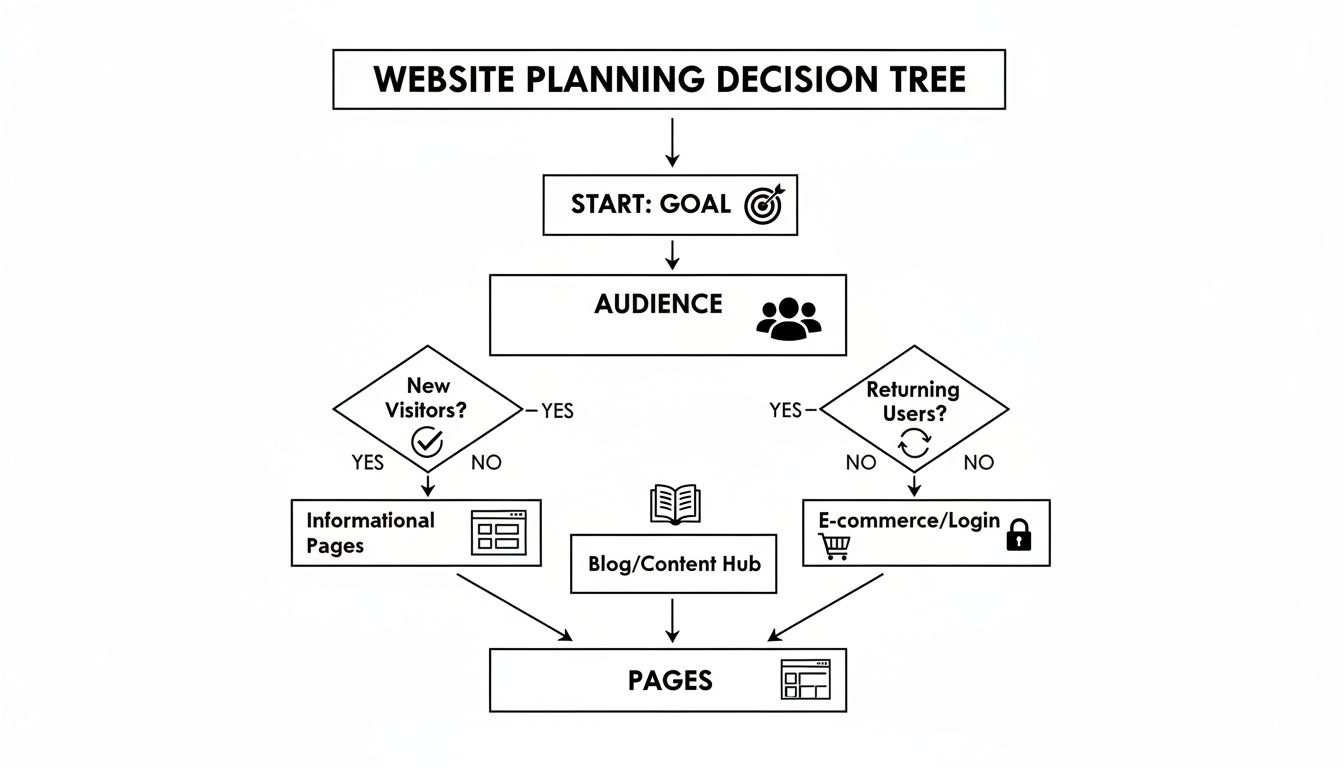
While a visual guide like this helps map out your goals, the real shortcut to a great result is building on an optimized, pre-built foundation.
Choosing a professional template from a trusted provider like FramerDevs isn’t just about getting a nice design. You're getting a complete system engineered for performance and conversions. The benefits are instant:
Conversion-Ready Layouts: These templates are designed to guide visitors toward specific actions, whether that’s booking a demo or buying a product. It’s not guesswork; it’s design based on data and best practices.
Perfect Responsiveness: Your site is guaranteed to look and work flawlessly on every device, from a huge monitor down to a smartphone. This is non-negotiable today and a task that can eat up dozens of hours if you build from scratch.
Elite Performance: The underlying structure is organized, lightweight, and optimized for speed—all critical for good SEO and keeping visitors from bouncing. You start with a 95+ PageSpeed score right out of the box.
To put it in perspective, let’s directly compare the two approaches.
Comparing a Blank Canvas to a FramerDevs Template
Factor | Building From Scratch | Using a FramerDevs Template |
|---|---|---|
Time to Launch | Weeks or months | Days |
Initial Cost | Low (if your time is "free") | Small upfront investment |
Hidden Costs | High (rework, bug-fixing, slow launch) | Low (support and updates included) |
Performance | Varies; often poor without expertise | 95+ PageSpeed score from the start |
Responsiveness | Manual; requires extensive testing | Perfect on all devices, guaranteed |
SEO Foundation | Must be built from the ground up | Pre-optimized with clean structure |
Final Quality | Depends entirely on your skill | Professional, conversion-focused |
The table makes it clear: a template offers a much faster and more reliable path to a high-quality outcome, freeing you up to focus on your business.
A Template Is an Accelerator, Not a Shortcut
A lot of people think templates are restrictive or that they all look the same. With a quality foundation, the opposite is true. A well-built template from an expert like FramerDevs is a flexible framework that lets you focus on your brand, content, and message instead of getting lost in technical details. This is especially true for targeted sites, where focused single-page web design templates can be incredibly effective for campaigns.
A template isn't about cutting corners. It's about leveraging professional expertise so you can focus on your business, not on becoming a web designer overnight. The goal is to launch faster, with a higher-quality result, and start getting results immediately.
In the end, it comes down to what you value more: the process of building it all yourself, or the outcome of a successful launch. For almost every business, the answer is the outcome. Starting with a professionally designed template is the smartest, fastest, and most dependable way to get a website that helps your business grow.
Making a Template Uniquely Yours
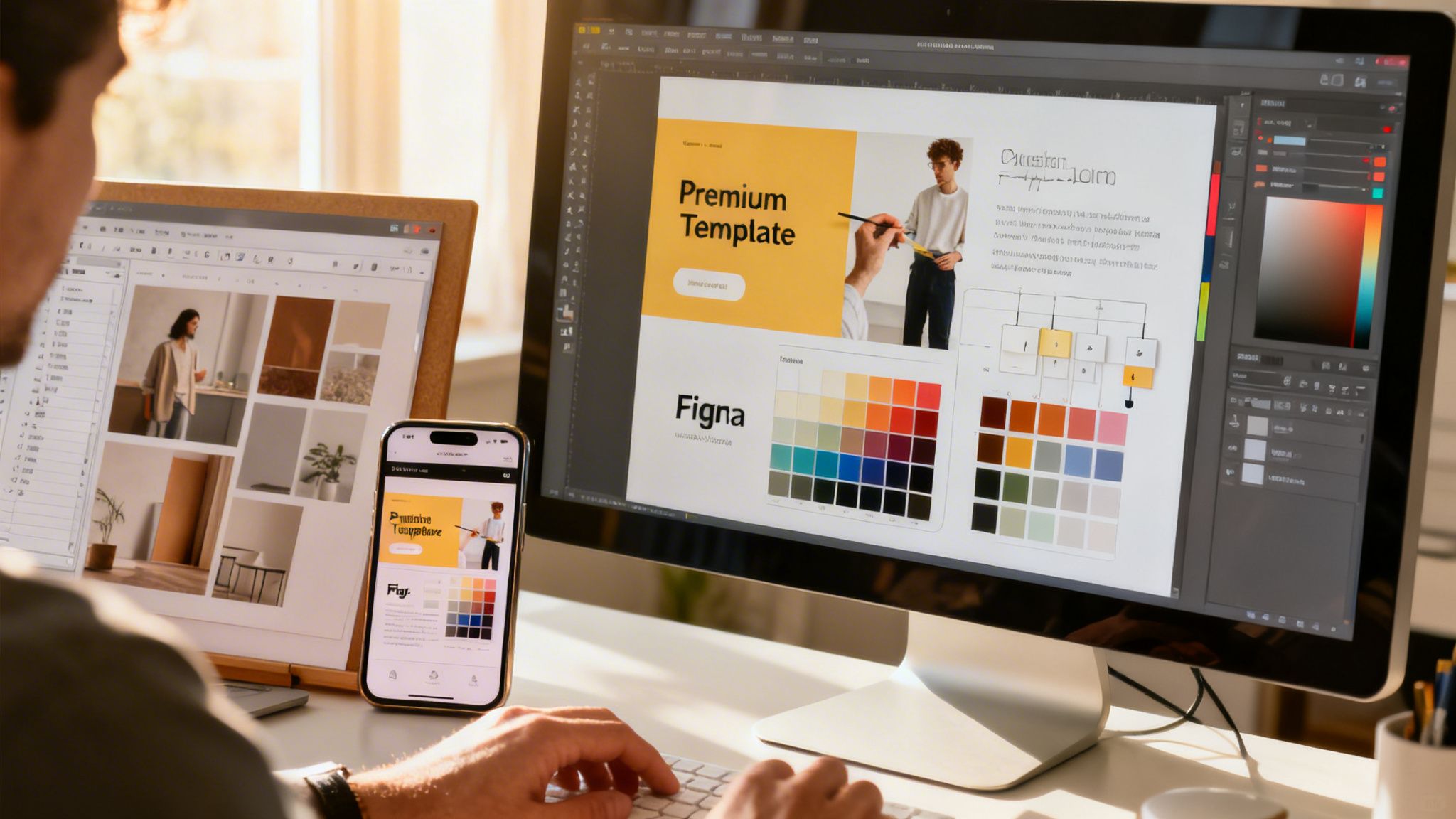
Let's clear up one of the biggest myths in no-code: that using a template means your website will look generic. That’s just not true. A premium template isn't a final product; it's a rock-solid foundation built by experts so you can skip the grunt work and focus on making it a perfect fit for your brand.
Think of it like this: an architect designs a house with a great floor plan and solid structure. You’re the one who comes in to paint the walls, choose the furniture, and hang the art that makes it feel like home. A FramerDevs template gives you those great bones, already engineered for speed and conversions.
From Brand Identity to Live Website
The fastest way to transform a template is by updating its global styles. This is where a modern tool like Framer completely changes the game. Instead of painstakingly changing the color of every single button, you just update your core brand palette, and the changes ripple across the entire site in seconds.
Here’s how you can quickly make any template your own:
Global Color Palette: Swap the template’s placeholder colors with your brand’s primary, secondary, and accent colors. This one step has the biggest impact.
Typography System: Update the fonts to match your brand’s typographic style. A pro template has a pre-built text hierarchy (H1, H2, body, etc.) that you can change everywhere at once.
Imagery and Media: This is a big one. Replace every placeholder image and video with your own high-quality brand assets to build authenticity and tell your story.
These aren't just cosmetic tweaks. Research shows that a consistent brand presentation can boost revenue by up to 33%. When you apply your visual identity, you're not just re-skinning a template; you're building real brand equity.
Structuring Content for Your Business Needs
A beautiful design is only half the battle. Your website’s structure has to support your business goals. While a FramerDevs template offers a proven layout, you have total freedom to rearrange, add, or delete sections to match your unique message.
Maybe the template has a simple call-to-action, but you need a detailed pricing table. No problem—just add a pre-styled pricing section from the template’s asset library. Or perhaps you want to add a wall of customer testimonials for social proof. You can duplicate an existing section and repurpose it in minutes.
The real power of a premium template is its flexibility. With included Figma files and clear documentation from FramerDevs, you have a complete guide to making structural changes confidently, ensuring your final site is both unique and professional.
This ability to restructure layouts without breaking the design is exactly why it's so efficient to build websites without code when you start with a quality foundation. You can even connect the template to Framer’s built-in CMS to dynamically manage blog posts, team members, or case studies. This turns a static design into a living website you can update without ever needing to open the design editor again.
Optimizing and Launching Your Website
A great design is only half the battle. If your site is slow or invisible to Google, you’ve built a beautiful ghost town. This is the final hurdle where so many people who build websites without code stumble—the technical work of optimizing and launching feels like a huge, intimidating task.
But this is exactly where starting with a premium foundation pays off.
When you build with a FramerDevs template, you’re already way ahead of the curve. We engineer every template for technical excellence from the ground up. That means your site comes with a clean structure, optimized images, and the kind of high-performance code that Google’s algorithm loves.
You start with an elite 95+ PageSpeed score out of the box—a metric that can take weeks of expert-level work to hit if you’re building from scratch. This frees you up to focus on the SEO tasks that only you, the business owner, can do.
Your Essential On-Page SEO Checklist
Even with a perfect technical foundation, you still need to tell search engines what your site is all about. Your job is to make sure your content is discoverable and speaks to both real people and search algorithms.
Here’s what you need to handle:
Compelling Meta Titles and Descriptions: These are the first things people see in search results. You need to write a unique, keyword-rich title and a persuasive description for every single page. This is your first and best chance to earn a click.
Descriptive Alt Text: Add clear, descriptive text to every image on your site. This is non-negotiable for accessibility (it helps screen readers) and gives search engines valuable clues about your visual content.
Logical Heading Structure: Double-check that your pages use headings (H1, H2, H3) correctly. A FramerDevs template provides a logical structure, but as you add your own content, make sure you maintain that hierarchy. It’s how Google understands the main topics of a page.
Want to add contact or signup forms? You can use a dedicated online form builder to create and embed custom forms without needing to write any code.
Your job isn't to become an SEO technician. It's to be the expert on your business. A professional template handles the technical side, so you can focus on creating content that answers your customers' questions and proves your value.
The Final Steps to Going Live
Once your design is locked in and your on-page SEO is handled, it's time for the final push: launch. With a platform like Framer, this part is refreshingly straightforward.
For a more detailed guide, our full website launch checklist walks you through everything step-by-step.
The main moves are connecting your custom domain, doing one last sweep for broken links, and making sure your contact forms actually send notifications. After you go live, the very last thing to do is submit your sitemap to Google Search Console. This is like sending Google an invitation to come and index your new site, which helps all your pages show up in search results faster.
By starting with a professionally optimized foundation, launching your site goes from a stressful technical nightmare to a simple, confident final step.
Your Top No-Code Web Design Questions, Answered
Jumping into no-code web design is a big step. It’s exciting, but it’s normal to have questions about which platform to choose, how your site will perform, and whether it can grow with your business.
Let’s tackle some of the most common questions we hear from founders and businesses like yours.
Framer or Webflow: Which One Is Right for Me?
This is the classic showdown, and the best choice really comes down to your priorities. Webflow and Framer are both fantastic, but they’re built for different types of creators.
Webflow gives you an incredible amount of manual control, which is great for developers who enjoy tweaking every little detail. It's powerful, but it comes with a much steeper learning curve.
Framer, on the other hand, is designed for speed and visual creativity. Its design-to-live workflow is incredibly smooth, especially if you’re coming from Figma. With powerful built-in animations and an intuitive interface, it's the go-to for designers, agencies, and founders who want a beautiful, high-performance site without the months-long learning curve.
For most businesses looking for speed and quality, Framer gets you to a better result, faster. That’s exactly why we at FramerDevs specialize in premium Framer templates—they harness Framer's strengths to give you a world-class website right out of the gate.
Will a No-Code Website Scale as My Business Grows?
Absolutely. The idea that no-code sites can't scale is one of the biggest myths out there.
Modern platforms like Framer are built on enterprise-grade infrastructure designed to handle huge traffic spikes and complex content needs. You can launch anything from a simple landing page to a massive marketing site with a CMS that powers dozens of blog posts, case studies, and team member pages. The platform’s architecture handles the backend heavy lifting, so you can just focus on growth.
The real secret to a scalable site is starting with a clean, well-organized foundation. A professionally built template from FramerDevs ensures your site is engineered for performance and maintainability, ready to support you for years to come.
Can I Actually Get Good SEO Results with a No-Code Site?
Yes, and honestly, it’s often easier to achieve great SEO. Framer gives you full access to all the critical on-page SEO settings:
Meta titles and descriptions
Custom URL slugs
Image alt text
A logical heading structure (H1, H2, H3)
More importantly, site speed is a huge ranking factor, and Framer is known for its incredible performance. It automatically optimizes images, lazy-loads content, and delivers pages through a global CDN.
Our FramerDevs templates are engineered to push this even further, shipping with a technically sound structure and a 95+ PageSpeed score out of the box. Your job shifts from being a technical SEO expert to a content strategist—you just focus on writing great content, knowing the technical foundation is already rock-solid.
What Are the Real "Hidden Costs" of No-Code?
The single biggest hidden cost when you build websites without code is your own time. Building from scratch means you’re signing up for hundreds of hours spent learning, designing, building, and troubleshooting—time you could be spending on growing your business.
Think of a premium template from FramerDevs as a one-time investment to buy back all that time and launch months ahead of schedule. Your only other recurring costs are your Framer subscription and any third-party tools you decide to add.
By using a template, you drastically cut your upfront time investment and project risk, making it the most efficient and cost-effective way to get a professional result.
Ready to launch a stunning, high-performance website without the headaches? Explore our library of premium templates at FramerDevs and discover how fast you can bring your vision to life. Find your perfect design today at https://framerdevs.com.



